macOS App
ScoreSort
All your music PDF work in one place.
ScoreSort is a macOS app for musicians and ensemble directors who work with PDF parts. Combine separate parts into a single print-ready file, rename a folder of scans, put files into score order, split a bound scan apart, or fix rotated pages — without leaving the app.
It runs entirely on your device. No accounts, no internet, no tracking — just your files.
Requires macOS 13 Ventura or later · Apple Silicon & Intel
Combine PDFs
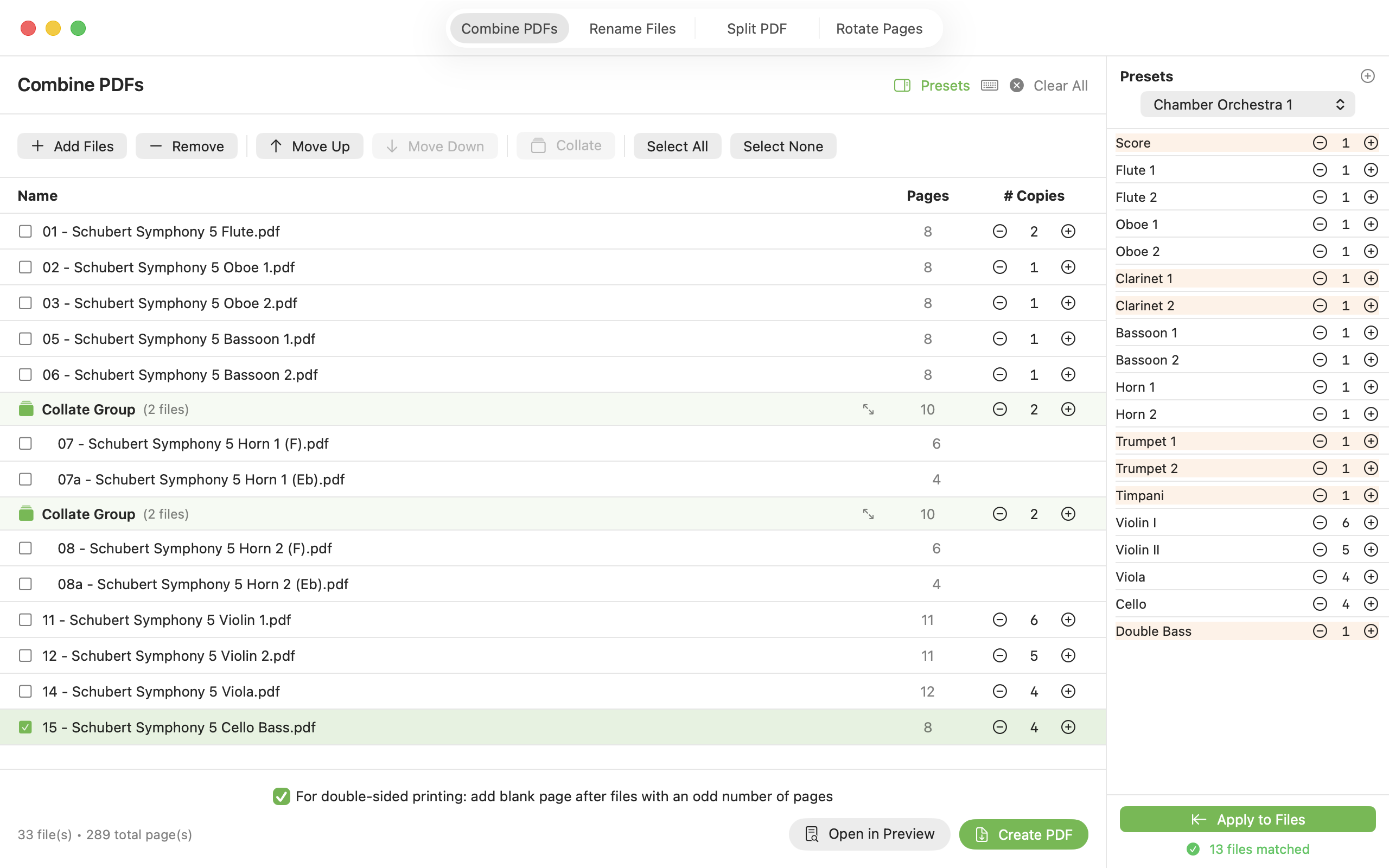
Drag in separate instrument parts and merge them into a single print-ready PDF. Save your usual instrument allocations as Ensemble Presets, and use Collate to interleave pages so each player's copies print together.
Rename Files
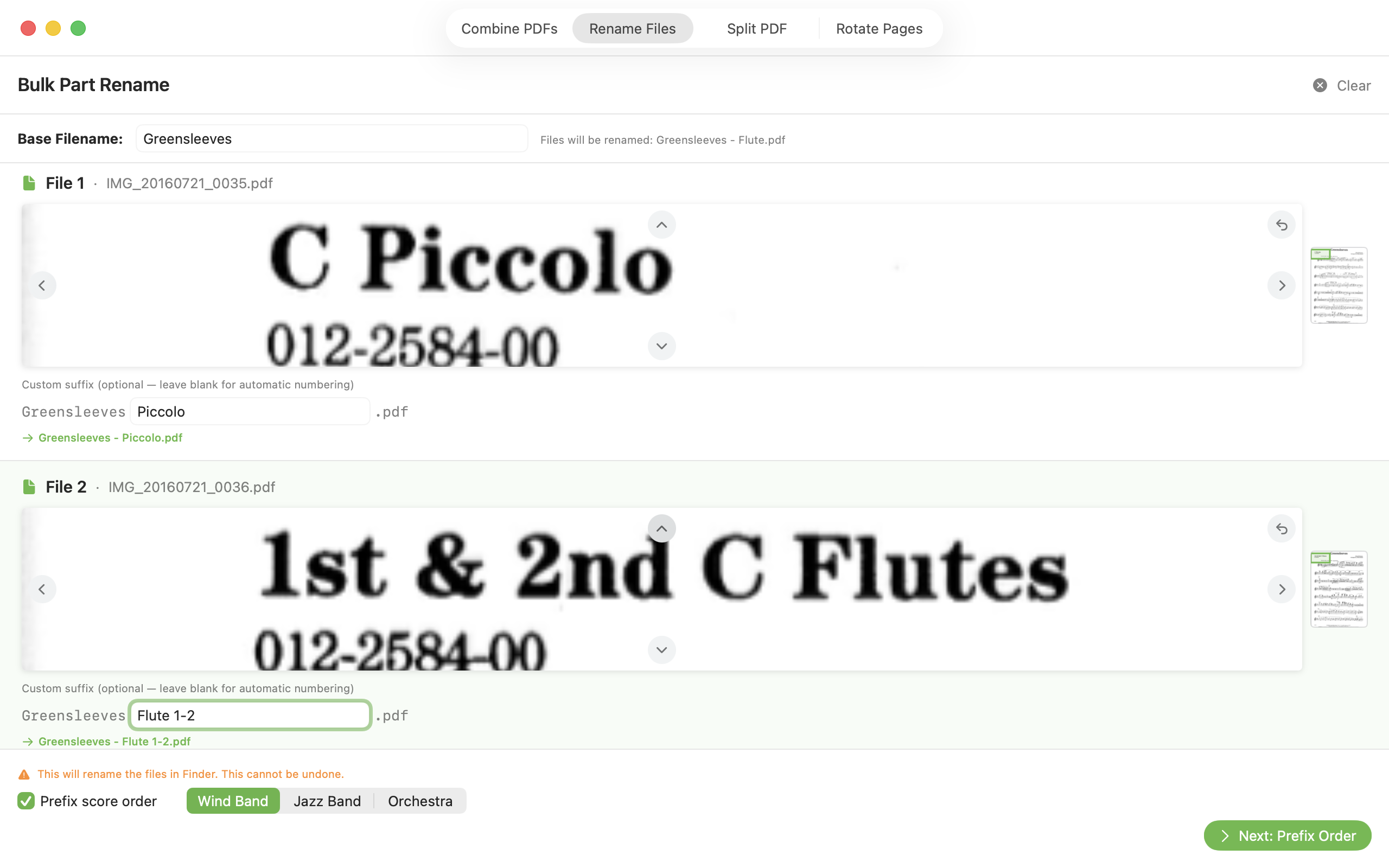
Replace the filenames of a whole folder at once — ideal for parts downloaded from IMSLP. Enter a base name, fill in each instrument, and the app previews the top corner of every file so you can confirm what you're naming.
Score Order
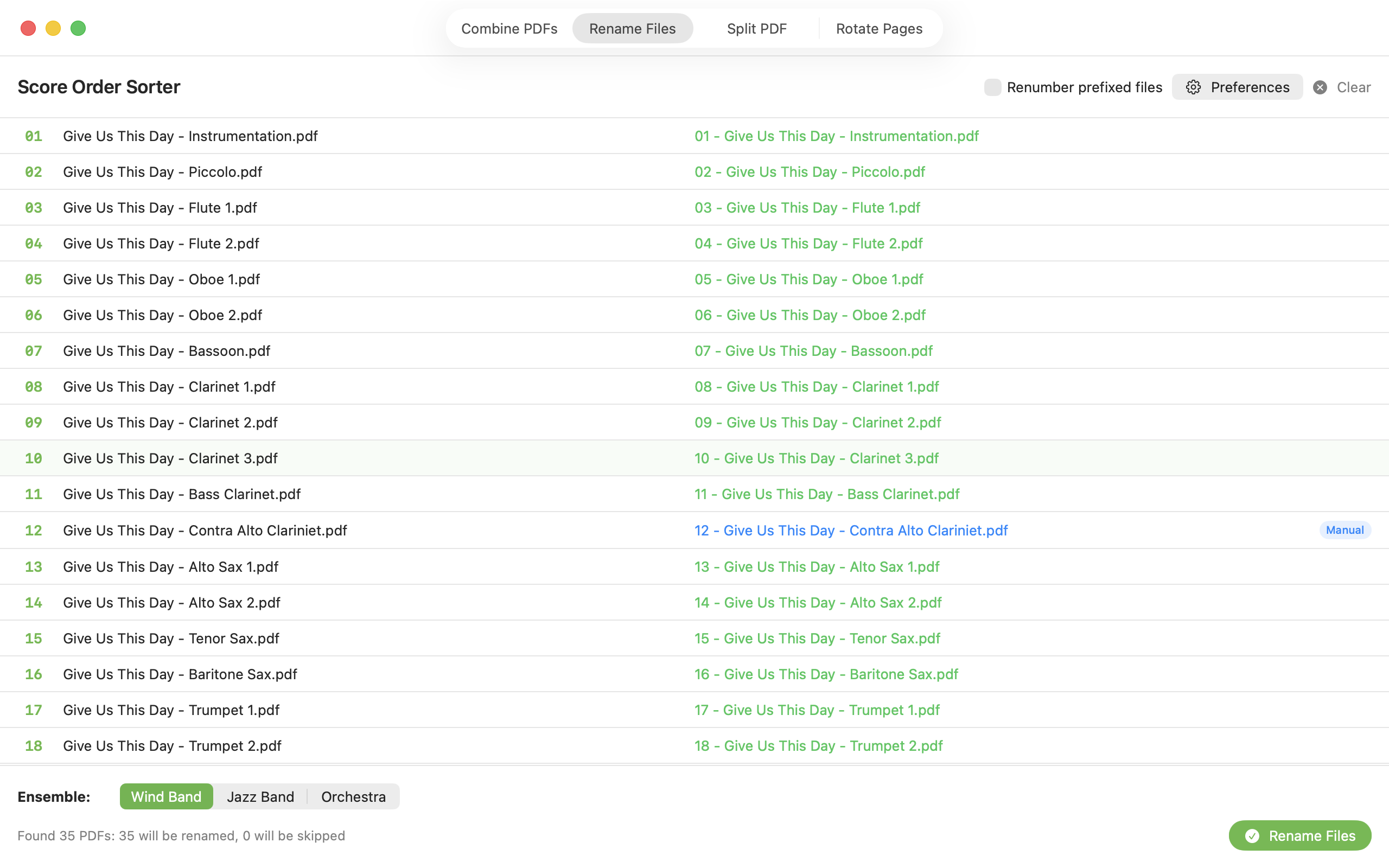
Add score-order prefixes to already-named files in seconds. Drag a folder in, tweak the order if needed, and re-number everything in one step. Your preferred instrument order is saved in Preferences.
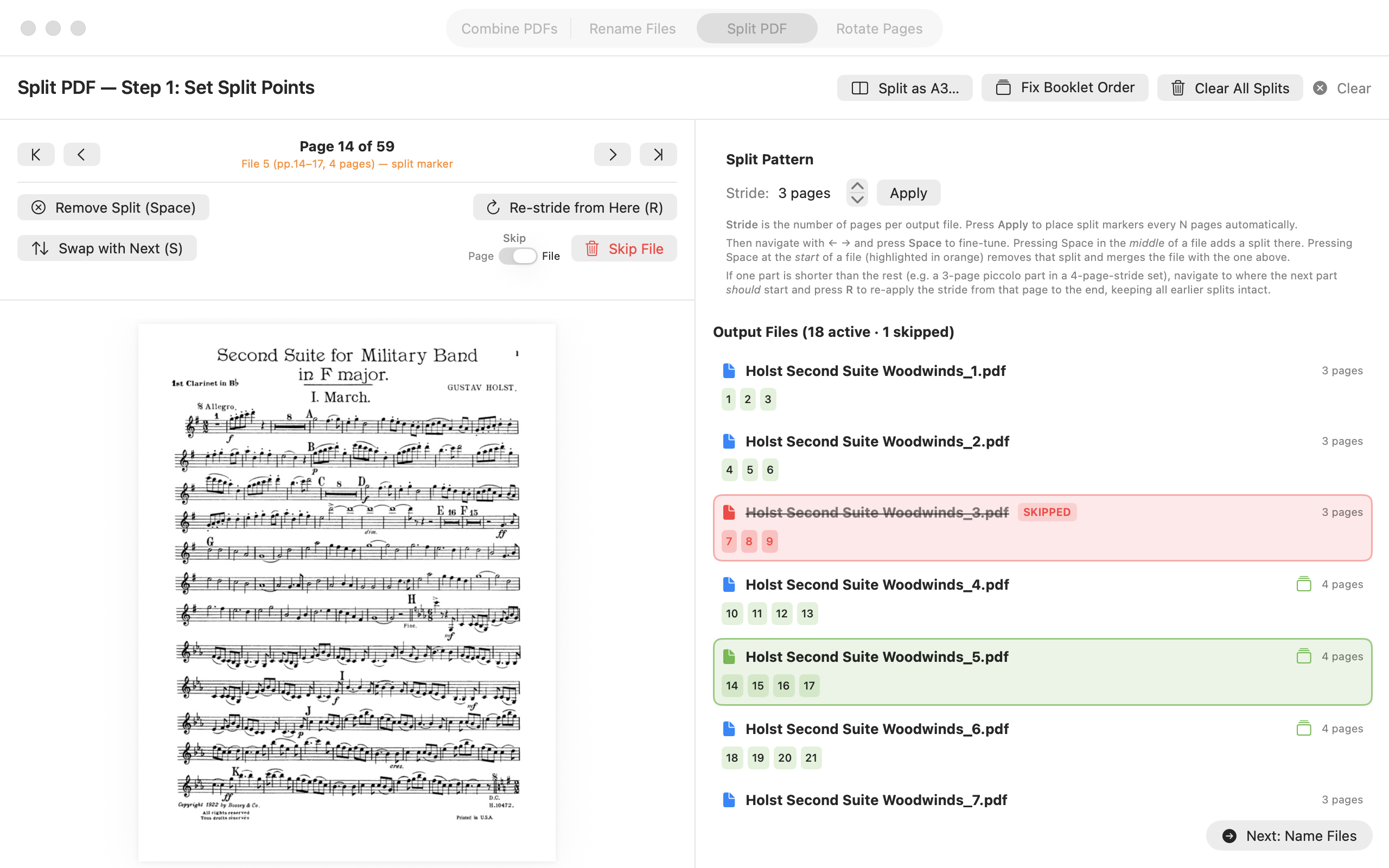
Split PDF
Turn a single bound scan into individual parts. Navigate pages with the arrow keys, place split markers with Space, then name each output file — with score-order prefixes added automatically if you want them.
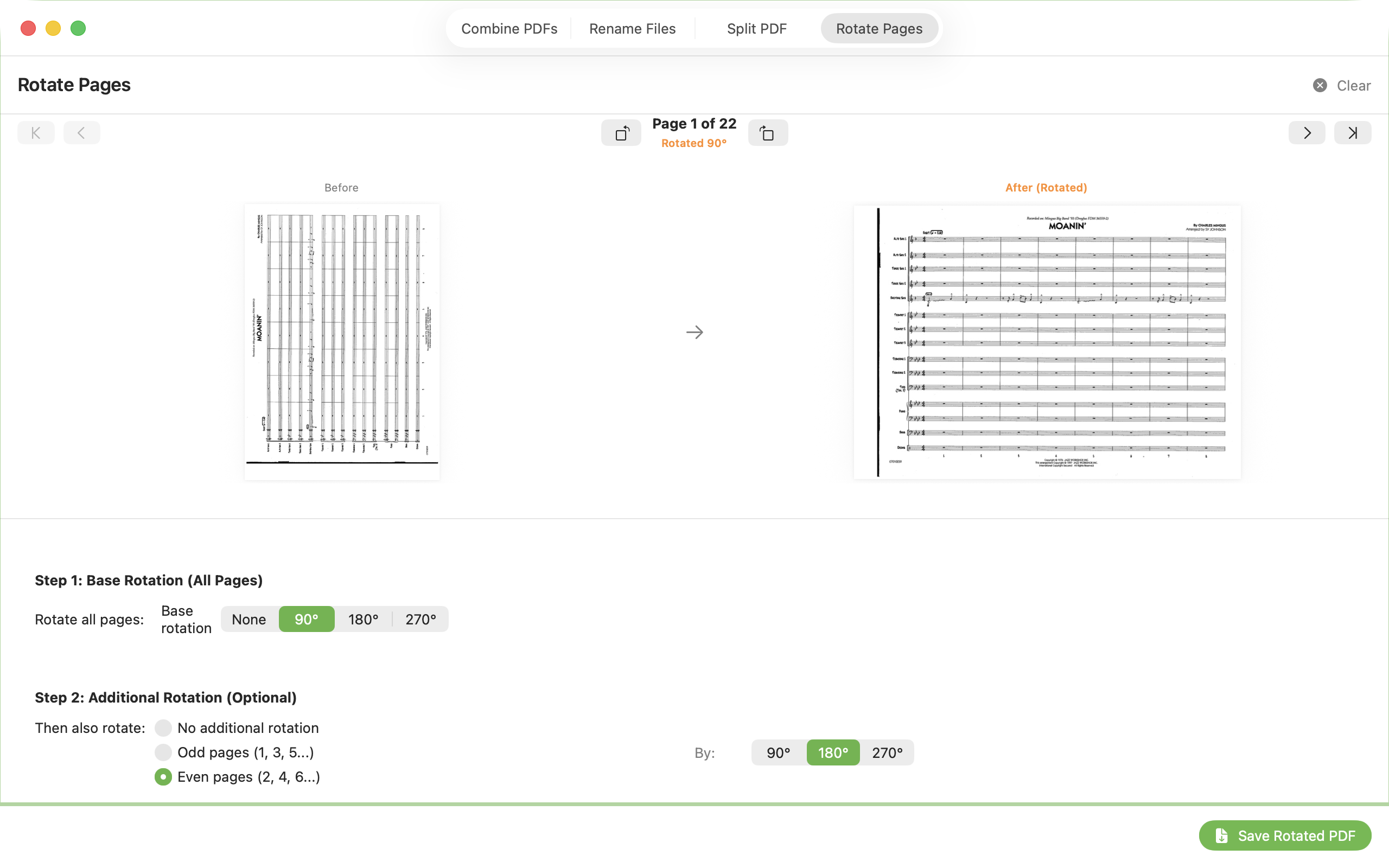
Rotate Pages
Fix sideways or upside-down pages from your scans. Rotate a single page, all pages, or all odd/even pages at once — handy for landscape-scanned scores where every other page came out inverted.
Pay what you want
ScoreSort is a niche tool made for a small community. There's no price tag — download it free and pay whatever feels right if it saves you time. Every contribution helps fund continued development.
Installing ScoreSort
- Download the
.dmgfile above. - Open the
.dmgand drag ScoreSort into your Applications folder. - Open ScoreSort from your Applications folder.
Copyright & your files
ScoreSort is a tool for organising music you already have, and it runs entirely on your own Mac. It never uploads or shares your files, and it only touches the files you choose to open. The single network connection it makes is to check for updates — and because it's notarised by Apple, it opens without security warnings. Read the privacy policy for full details.
Please only use ScoreSort with music you're entitled to copy — works you've purchased with copy permissions, public-domain editions, your own compositions and arrangements, or material covered by your school or ensemble's copyright licence. How you use the files you create is your responsibility.